
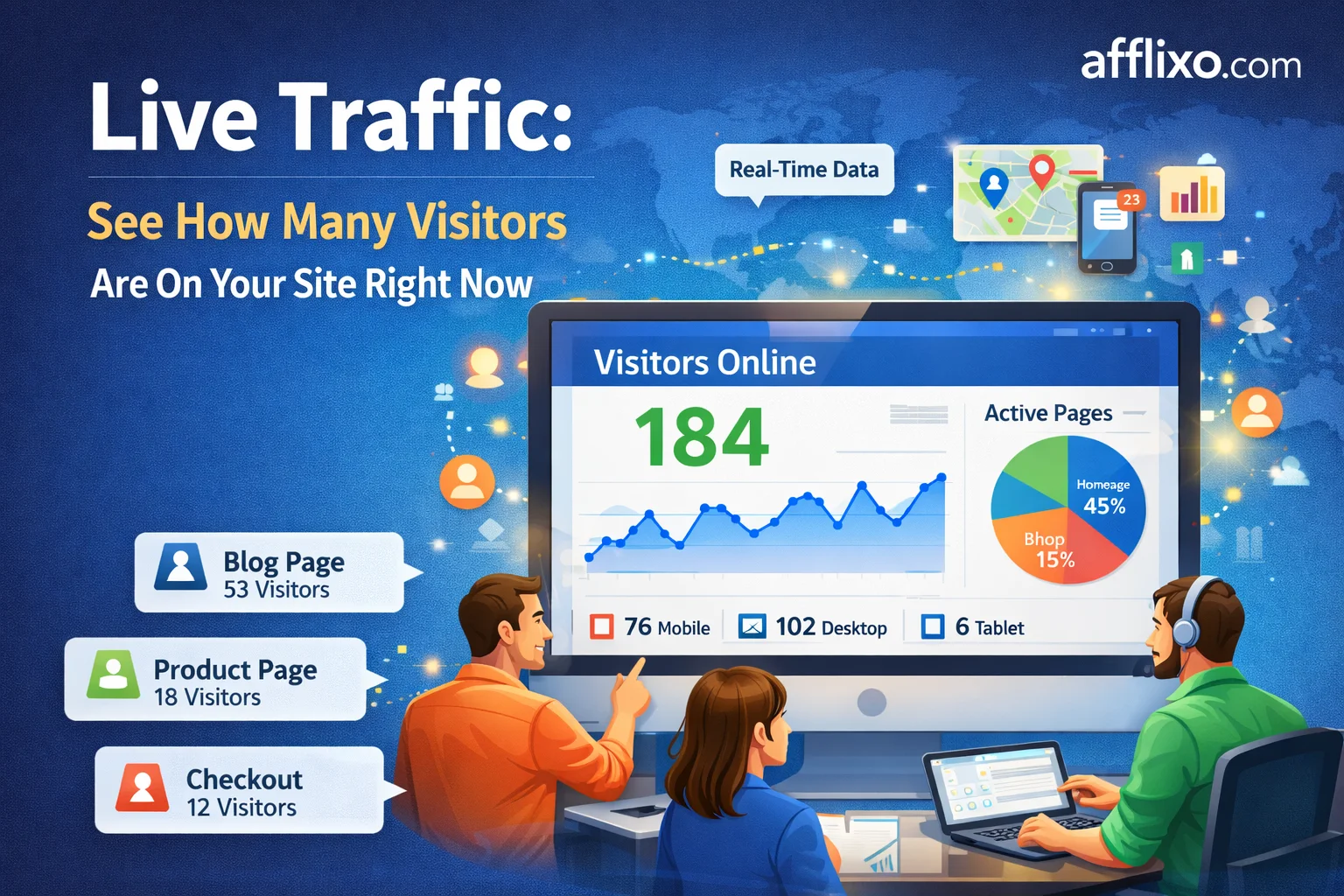
Live traffic shows how many referred visitors are on your site at this moment, and which source each of them came from. Merchants see it for the whole program; affiliates see only the visitors they referred.
How the count is produced
The tracking script you already have does the work. When a visitor arrives through a referral link, the script sends a heartbeat immediately and then once a minute after that, saying the visitor is still here. There is nothing to click and no extra tag to install.
Each browser gets a client id, stored in a cookie that lasts a year, so moving between pages does not count the same person twice. One browser on your site is one live visitor.
The source is taken from the referrer on the first heartbeat only. After that the recorded source stays put, so a visitor who arrived from an affiliate's blog and then clicks around your site is still counted against that blog rather than against your own pages.
What counts as live
A visitor is live if their last heartbeat is inside the live window. The default window is three minutes, and a platform admin can set it anywhere from 1 to 60 minutes in Admin, Config, under "Live traffic window (minutes)".
The window is a trade-off rather than a setting with a right answer. Three minutes tells you who is on the page now and drops to zero the moment traffic stops. Fifteen minutes reads more like "recently active" and is steadier to watch, but it will keep counting somebody who closed the tab twelve minutes ago.
What it does not count
Only visitors who arrived through an affiliate are counted. The heartbeat runs only when the referral cookie is present, so ordinary visitors who found you through search or typed your address send nothing at all. Live traffic is a view of your referred traffic, not a general analytics counter, and it is not a replacement for one.
Two consequences worth knowing. A visitor whose referral cookie has expired stops being counted even though they are still on the site. And a visitor who blocks the script is invisible here, the same way they are invisible to click tracking.
Where to find it
Merchants see Live now and Live by referrer in the dashboard, covering every affiliate in the program. Affiliates see the same two figures for their own traffic, which is the quickest way to tell which of their links is actually working at a given moment rather than in yesterday's totals.
Nothing needs enabling. If your tracking script is installed, live traffic is already running.