
Ứng dụng Live Chat trên di động
Trả lời tin nhắn của khách ngay trên điện thoại. Chọn nền tảng bên dưới: cài ứng dụng Live Chat cho Android, hoặc trên iPhone/iPad, thêm Afflixo vào màn hình chính và bật thông báo đẩy.
Android
Tải ứng dụng afflixo (APK). Ứng dụng không có trên Google Play — hãy cài trực tiếp từ trang này hoặc quét mã QR.
Phiên bản 1.0.0
Tải APKhttps://afflixo.com/com.afflixo.chat.apk
If the file is missing, build it from mobile/merchant-chat-apk and copy to public/com.afflixo.chat.apk.
Scan to download
Opens the APK download in your phone browser
- Scan the QR code or tap Download APK.
- When the download finishes, open it from the notification or Downloads app.
- If prompted, allow installation from this browser (Install unknown apps).
- Confirm install. Requires Android 7.0 (API 24) or newer.
Sau khi cài đặt (Android)
- Mở ứng dụng afflixo và đăng nhập bằng email nhà bán hàng hoặc email hỗ trợ của bạn.
- Dùng mật khẩu hoặc mã một lần qua email, giống như trên bảng điều khiển web.
- Nhập URL nhà bán hàng nếu được yêu cầu (ví dụ: cửa hàng của bạn trên afflixo.com).
- Cho phép thông báo khi được hỏi để nhận cảnh báo tin nhắn mới.
iPhone / iPad
Không có ứng dụng trên App Store. Hãy thêm trang web vào màn hình chính, sau đó mở Live Chat từ biểu tượng đó để bật thông báo đẩy khi chạy nền (iOS 16.4 trở lên).
Apple không phân phối bản App Store riêng cho live chat của nhà bán hàng. Trên iPhone và iPad, hãy thêm afflixo.com vào màn hình chính, mở từ biểu tượng, rồi bật thông báo đẩy trong Live Chat. Web Push trên iOS yêu cầu iOS 16.4 trở lên và chỉ hoạt động khi mở từ ứng dụng trên màn hình chính (không phải tab Safari thông thường).
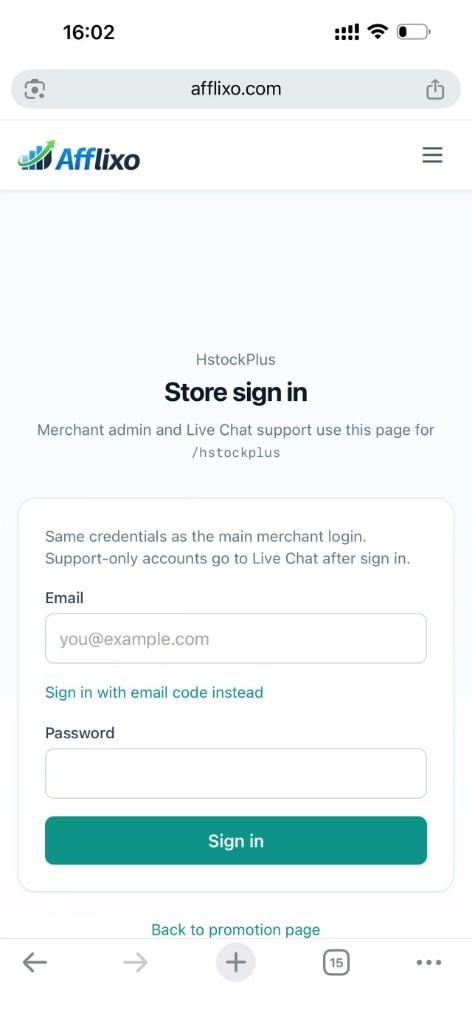
Sign in to your merchant store on afflixo.com (merchant login or your store URL, e.g.
/domain/your-store). Open Live Chat after sign-in.Safari (recommended)
Tap the Share button (square with an upward arrow) to the right of the address bar, scroll the share sheet, and choose Add to Home Screen. Confirm the name, then tap Add.
Safari → Share → Add to Home Screen Chrome on iOS (optional)
Tap the ⋯ menu at the bottom right, scroll the list, and select Add to Home Screen. (The menu is long; the option is below items such as Reload and Bookmarks.)
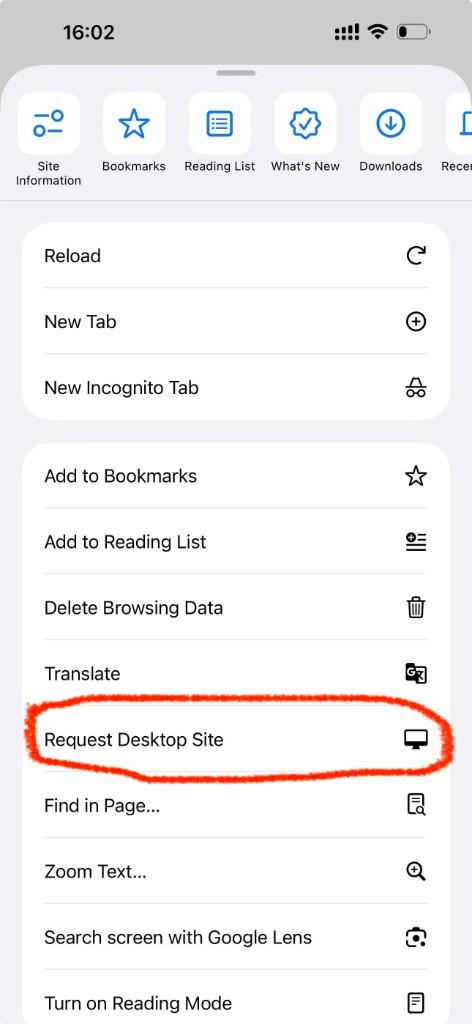
Chrome → ⋯ menu → scroll to Add to Home Screen Open afflixo from the new icon on your home screen (not from Safari or Chrome). Sign in and go to Live Chat.
Tap Alerts (top right), check Push notifications for visitor messages, and allow notifications when iOS asks. In-page sounds and toasts still work while the app is open; push alerts work in the background when the home-screen app is installed.
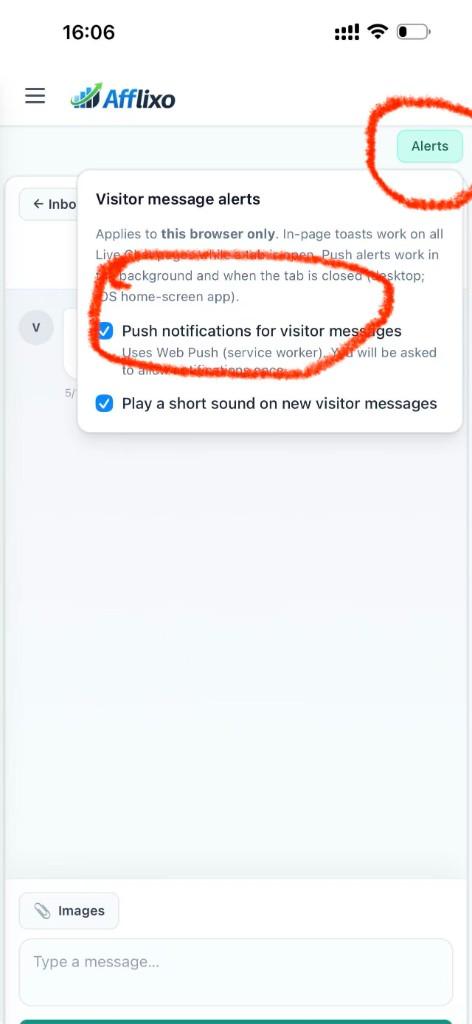
Live Chat → Alerts → enable push notifications
- If push stays disabled, confirm you opened the site from the home-screen icon, not a browser tab.
- If you denied notifications earlier, open iOS Settings → Notifications, find afflixo, and allow alerts.
- Email alerts in Chat settings still work on iOS without adding to the home screen.
Quyền riêng tư
Ứng dụng Android và bản dùng từ màn hình chính trên iOS sử dụng cùng API live chat với bảng điều khiển web. Phiên đăng nhập và đăng ký thông báo đẩy được lưu trên thiết bị của bạn. Cả hai đều không thay thế trang quản trị nhà bán hàng đầy đủ trên web.